Showing posts with label cubagallery. Show all posts

Thursday, April 27, 2017

10 Incredible Travel Photography Locations

I’ve been lucky enough to travel to some of the best photography locations in the world. This post is dedicated to the ones that stopped me in my tracks.

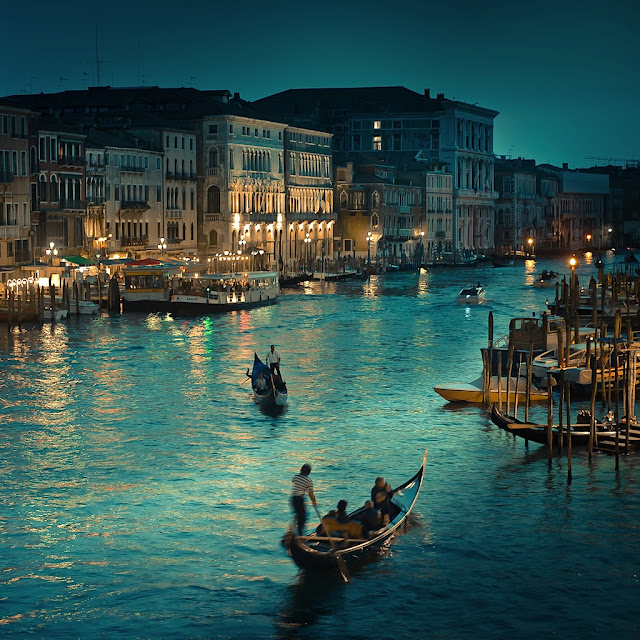
Incredible travel photography locations1. 1. Venice, Italy

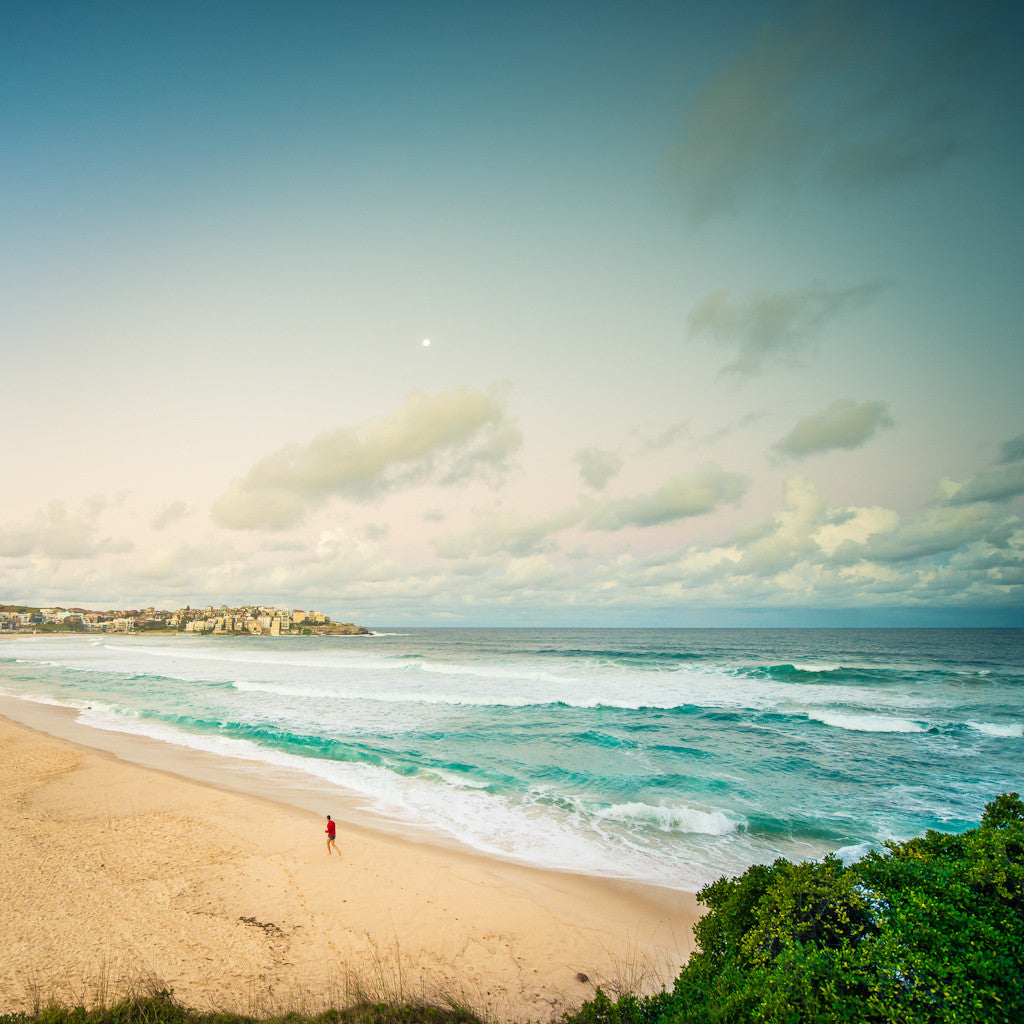
Cuba Gallery Lightroom Travel Photography2. Bondi Beach, Australia

Cuba Gallery Lightroom Travel Photography3. Santorini, Greece

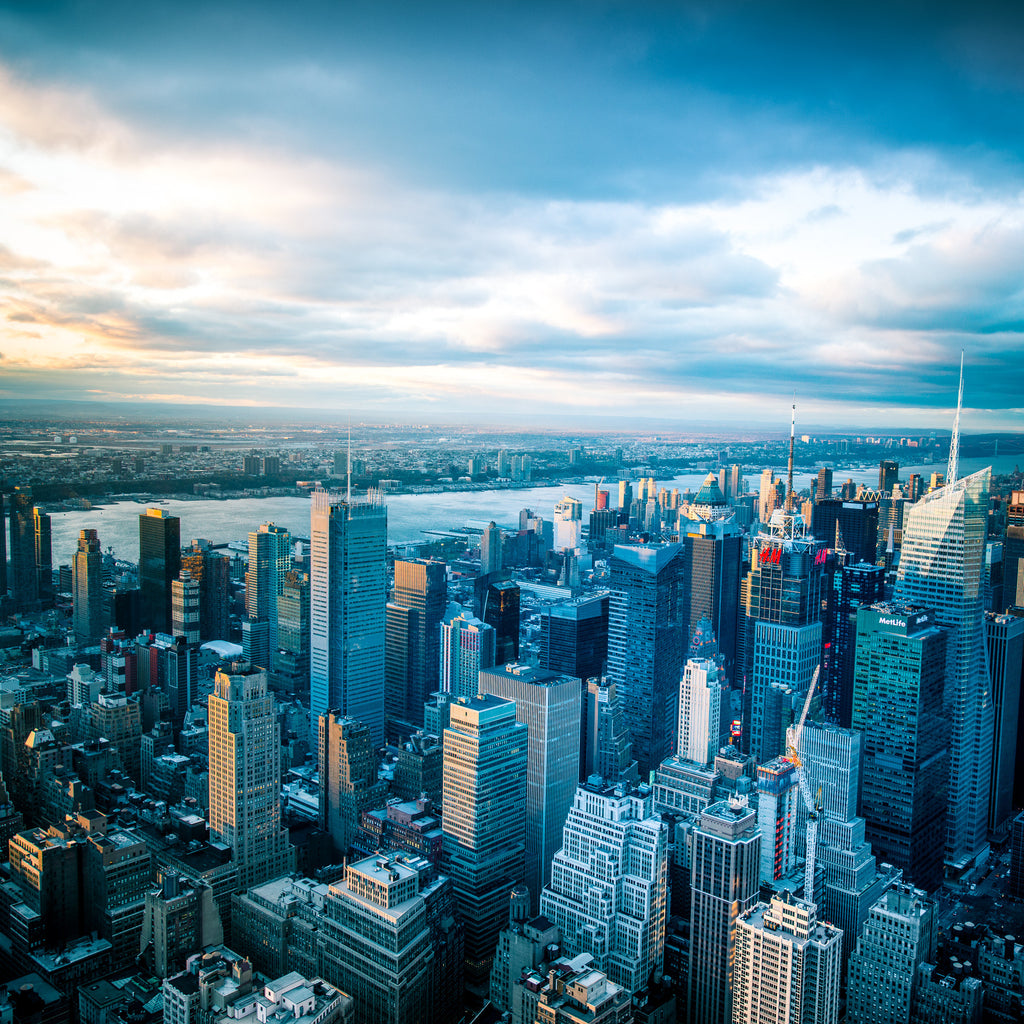
Cuba Gallery Lightroom Travel Photography4. Manhattan, New York

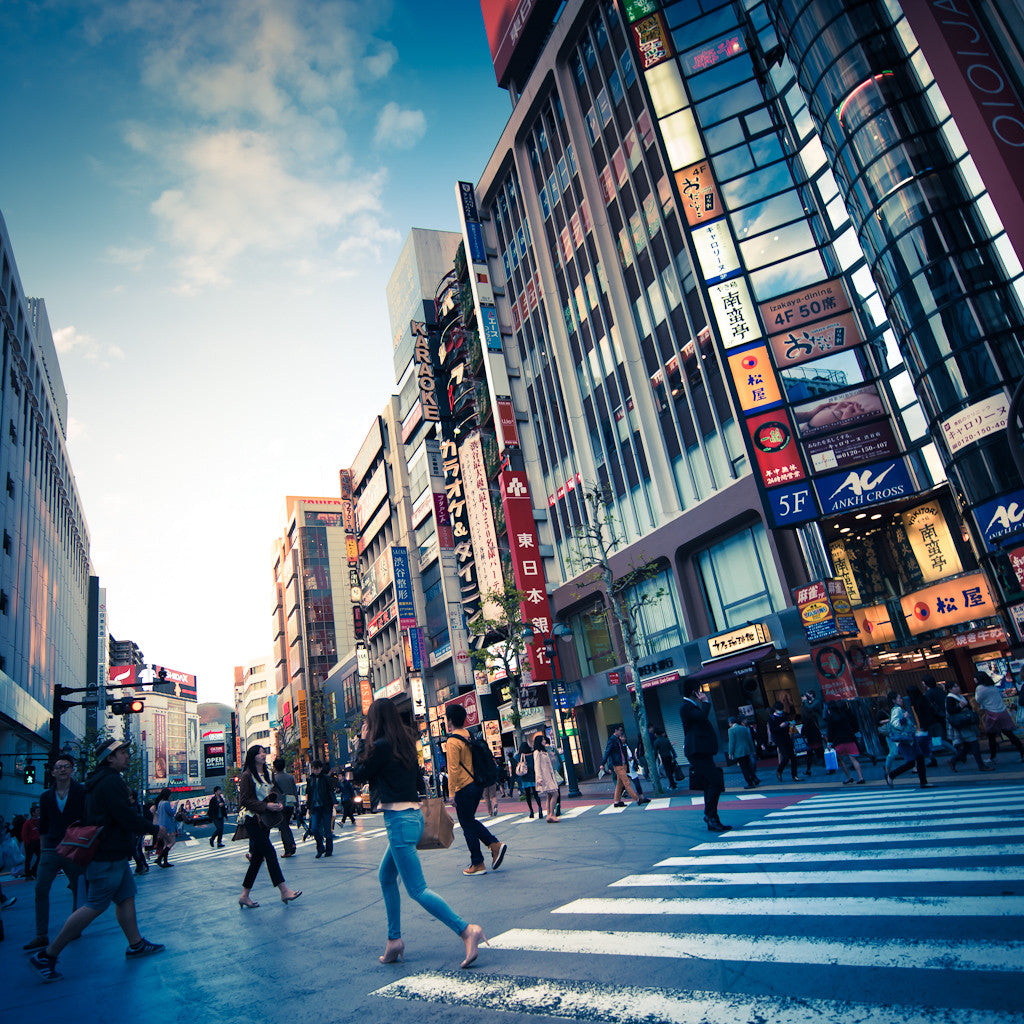
Cuba Gallery Lightroom Travel Photography5. Tokyo, Japan

Cuba Gallery Lightroom Travel Photography6. Lake Como, Italy

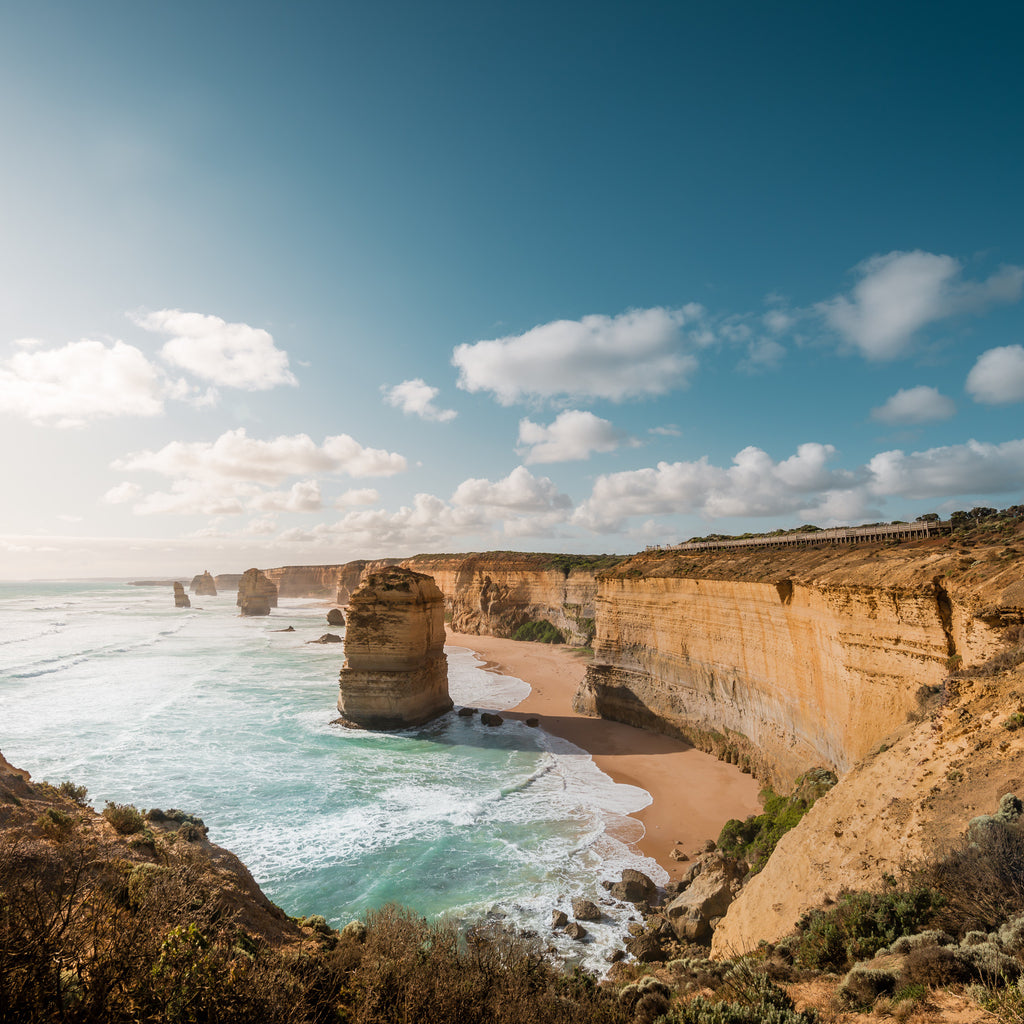
Cuba Gallery Lightroom Travel Photography7. Great Ocean Road, Australia

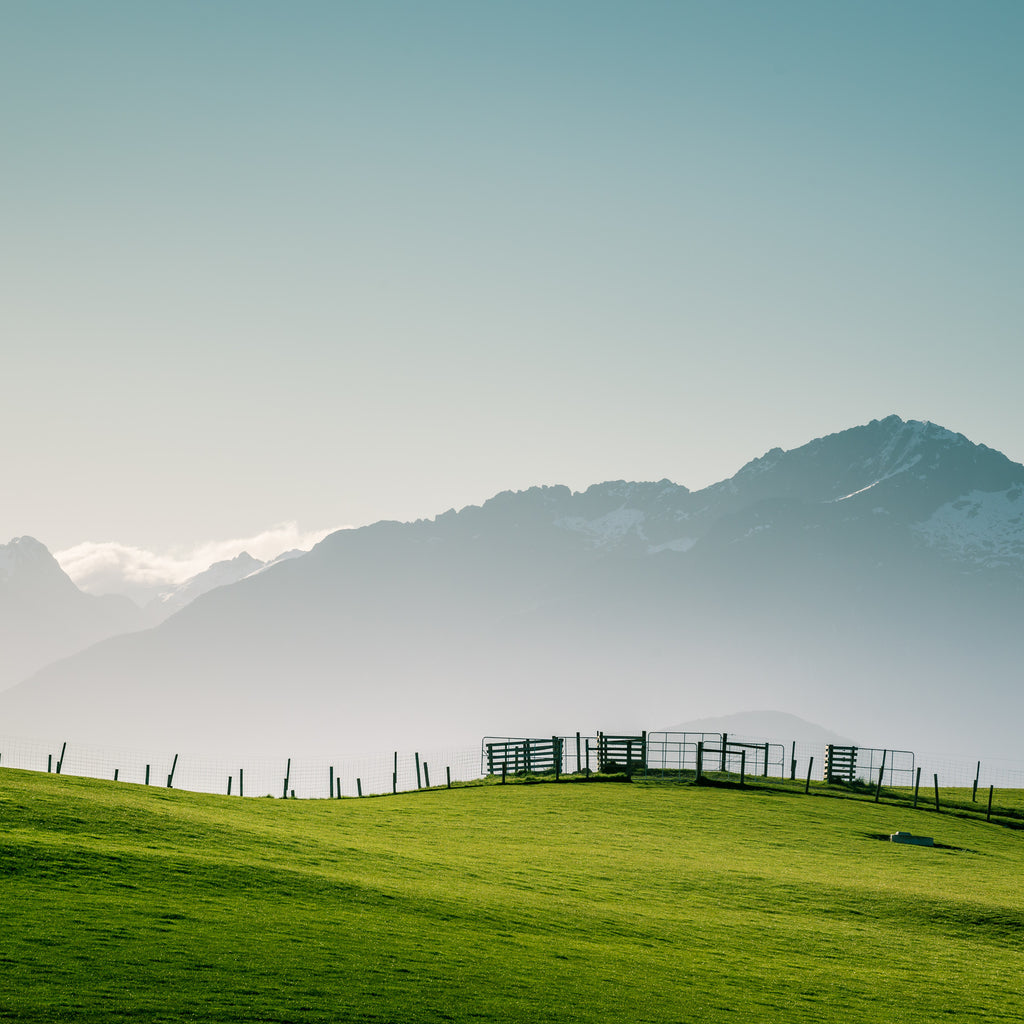
Incredible travel photography locations8. Queenstown, New Zealand

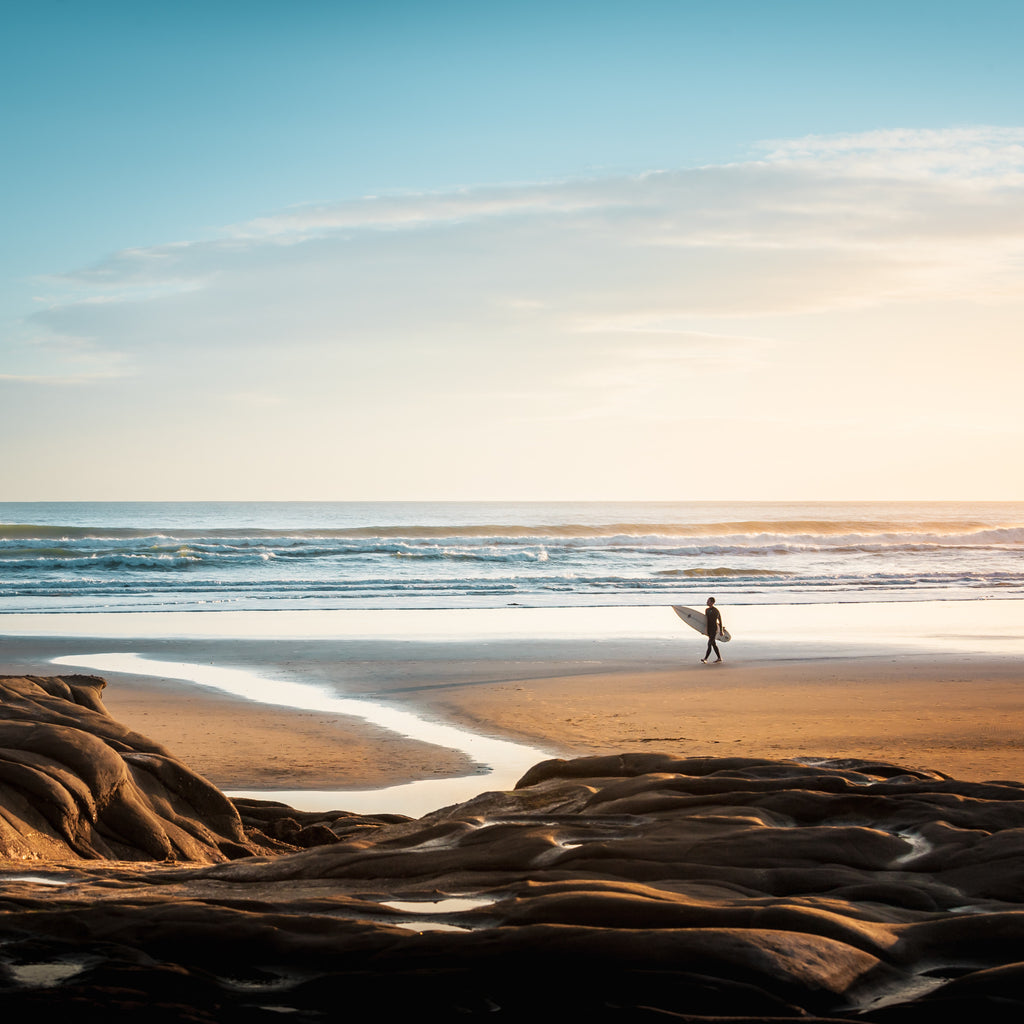
Incredible travel photography locations9. Muriwai, New Zealand

Cuba Gallery Lightroom Travel Photography
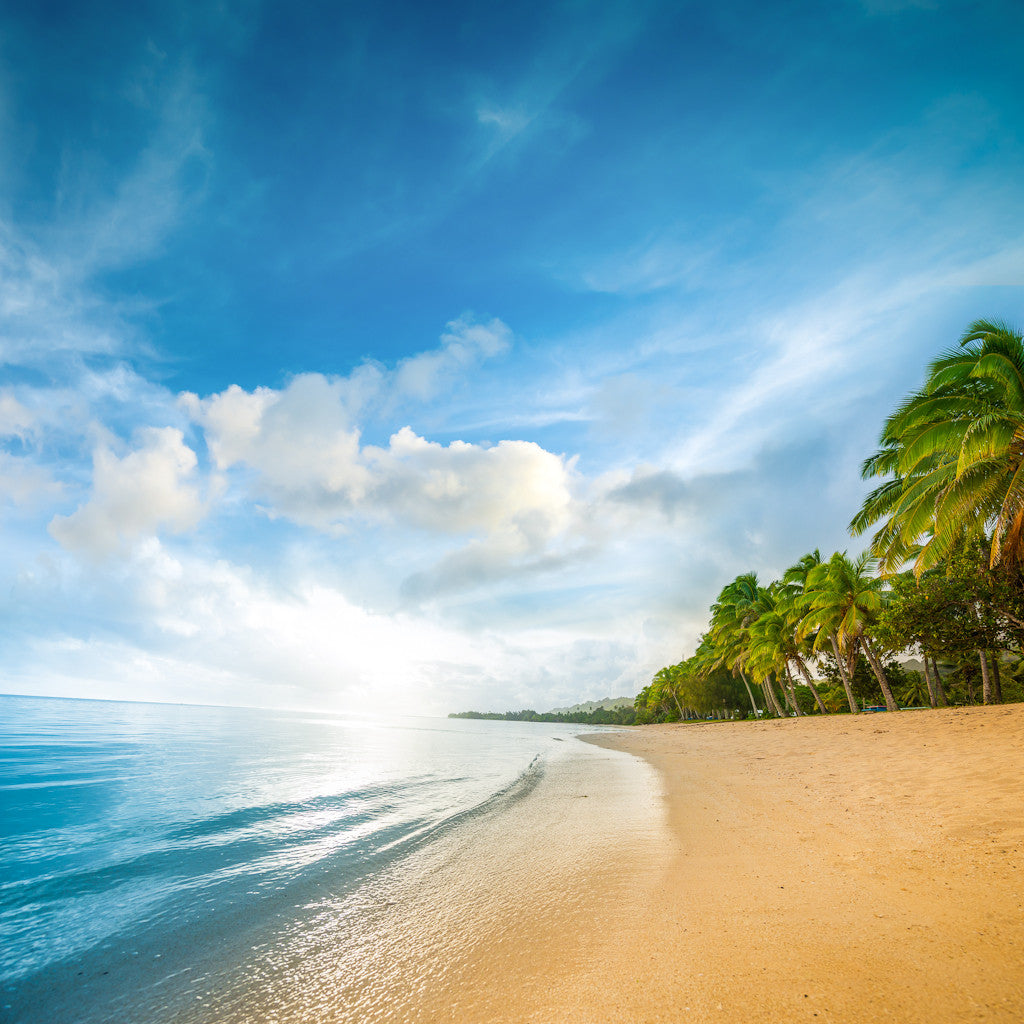
10. Rarotonga, Cook Islands

I shoot all my images on a Nikon 800 and process them in Lightroom. For those wishing to purchase my Lightroom presets click the button below. More from Cuba Gallery

Installing Lightroom CC Presets

Installing your Presets is easy. I’ve listed the steps listed below. If you have purchased the Cuba Gallery Lightroom Preset Pack these instructions will also be included in your digital download.
  1. First download the presets and unzip the files. Open either Lightroom 5, Lightroom 6 or Lightroom CC.
  2. For Apple Mac users click on ‘Lightroom’ in the top menu, then select ‘Preferences’ from the drop down menu. For PC users click on ‘Edit’ in the menu and select ‘Preferences’. On the Preferences screen there will be six tabs at the top, click on the tab that says ‘Presets’. Now click on the button that says ‘Show Lightroom Presets Folder'.
  3. In this window double click on the ‘Lightroom’ folder, then double click on the ‘Develop Presets’ folder. You can now copy your presets into the ‘Develop Presets’ folder. Finally restart Lightroom and the new presets will appear in ‘Develop’ mode in the left hand panel.


Friday, May 2, 2014

New York Photography Edited in Lightroom

Click Here - to see my complete new range of Lightroom Presets and 1hr long Lightroom Video Tutorial. The tutorial is filled with all the techniques and tips I use to process my images. 


Click Here - to see my complete new range of Lightroom Presets and 1hr long Lightroom Video Tutorial. The tutorial is filled with all the techniques and tips I use to process my images. 

Monday, December 30, 2013

Retro Melbourne Travel Photography

Click Here - to see my complete new range of Lightroom Presets and 1hr long Lightroom Video Tutorial. The tutorial is filled with all the techniques and tips I use to process my images. 


Melbourne Star Australia

Click Here - to see my complete new range of Lightroom Presets and 1hr long Lightroom Video Tutorial. The tutorial is filled with all the techniques and tips I use to process my images. 

Click Here - to see my complete new range of Lightroom Presets and 1hr long Lightroom Video Tutorial. The tutorial is filled with all the techniques and tips I use to process my images. 

Saturday, November 2, 2013

Lightroom Tutorials : Black and White People

Click Here - to see my complete new range of Lightroom Presets and 1hr long Lightroom Video Tutorial. The tutorial is filled with all the techniques and tips I use to process my images. 

Lightroom Tutorials: Sunset Sky

Click Here - to see my complete new range of Lightroom Presets and 1hr long Lightroom Video Tutorial. The tutorial is filled with all the techniques and tips I use to process my images. 

Click Here - to see my complete new range of Lightroom Presets and 1hr long Lightroom Video Tutorial. The tutorial is filled with all the techniques and tips I use to process my images.